Filmmaking workflows
Plan an AI short film before generating the first clip
Turn one dramatic idea into a manageable shot plan, continuity checklist and edit, using a simple one-minute film exercise.
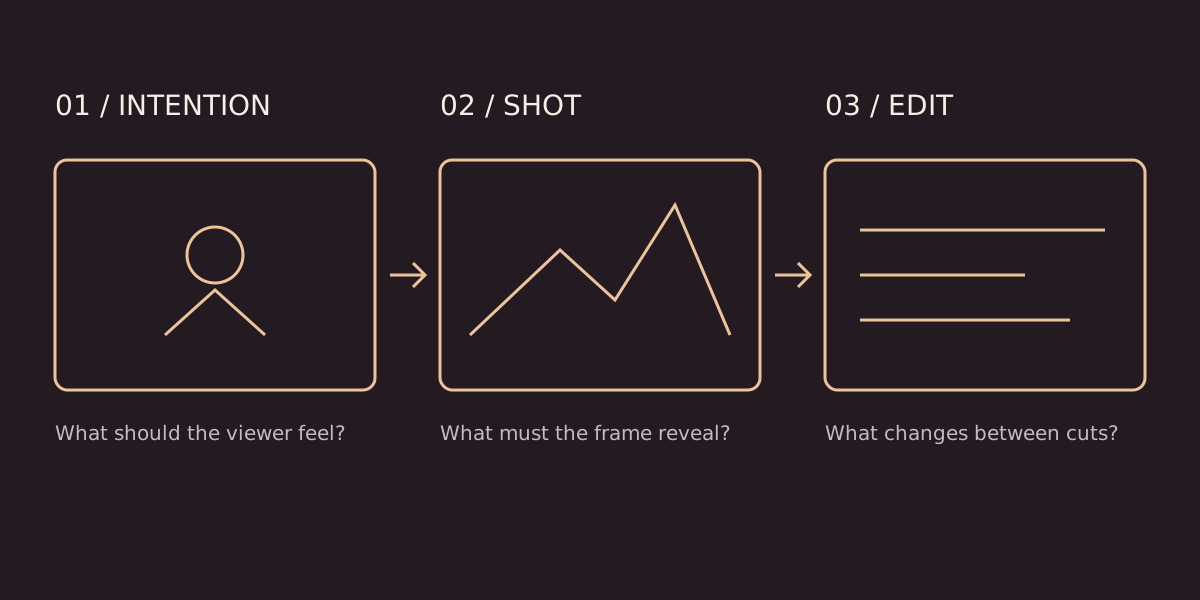
A short film becomes manageable when you decide what changes in the story before you decide which generator to use. Start with a person, a visible goal and one obstacle. The task is not to produce the largest number of impressive clips. It is to make a sequence in which one image gives the next image a reason to exist.
This guide uses an illustrative exercise: a traveller returns to a locked childhood home and discovers a letter beneath the door. It is a planning example, not a claim about a completed client production or a measured tool benchmark.
Define the change in one sentence
Write the opening emotional state and the closing state. Our traveller begins uncertain about returning and ends with a reason to stay. Now ask what the audience must actually see to understand that change. A street, a hesitant hand, a locked door and a letter may do more useful work than six unrelated landscape shots.
Keep the premise small enough to explain without dialogue. A single location and a limited cast reduce the number of identities, costumes and environments you must maintain. This is a scope decision, not a universal rule about what AI tools can achieve.
Build a six-shot plan
- Establishing frame: the traveller stands outside the house. The frame explains geography.
- Medium frame: the traveller approaches. The movement establishes intention.
- Close-up: a key fails to turn. This introduces the obstacle.
- Insert: the letter slides into view below the door. The story gains new information.
- Reaction: the traveller reads the first line. The audience needs a readable emotional beat.
- Closing frame: the traveller sits on the doorstep. Repeat enough of the opening composition to make the change visible.
For each shot, record the subject, action, framing, camera movement, entry state and exit state. Use a rough timing estimate while editing an animatic; do not assume six generated clips of equal duration will create natural pacing. Leave extra time at the beginning and end of a take so the editor has room to choose a cut.
Make a continuity sheet
Create one reference sheet containing the traveller’s face, coat, bag, hair and the letter. Add the door colour, handle position, direction of daylight and screen direction. A reference sheet is useful only if you compare every selected image against it.
Save an approved reference separately from experiments. Name files by scene, shot and take, such as s01_sh03_take02. Keep a short note explaining why you rejected a take: wrong hand, changing coat, drifting door geometry or unreadable action. That note is more actionable than “not cinematic.”
Generate around the edit
Begin with a still-image storyboard or a rough sequence of placeholders. Test whether the letter reveal makes sense before spending time polishing atmosphere. When generating a take, describe the visible action separately from the camera instruction. “The traveller pauses before turning the key” is an action; “a slow push toward the hand” is a camera move.
Review clips at normal speed and frame by frame around important actions. A beautiful opening frame does not guarantee a usable end frame. If a move is unstable, simplify it rather than stacking more contradictory instructions into the prompt.
Add sound with a purpose
Build an initial sound pass with footsteps, the lock, paper and room tone. Decide where silence belongs before adding music. The letter reveal may need less sound, not more. Check that effects support the visible timing and that music does not explain an emotion the performance has not earned.
Use music, voices and images you are entitled to use. For any service, check its current usage terms and the rights attached to the specific input material. A paid subscription alone is not a substitute for checking rights.
Review the complete sequence
Watch the film without sound once, then listen without looking. The first pass reveals unclear visual storytelling; the second exposes abrupt ambience changes or distracting music. Show the sequence to a viewer without explaining the premise and ask what they believe happened.
Before export, check framing, subtitles, sound peaks and the intended delivery ratio. Keep the approved master and a smaller review copy. For the next step, use the camera prompt guide to make shot instructions more precise, or the portfolio briefing guide to organize a commercial brief.