Camera & visual direction
Write camera prompts that describe an intentional shot
Separate shot size, camera height, lens character and movement so an AI camera prompt communicates one clear visual decision.
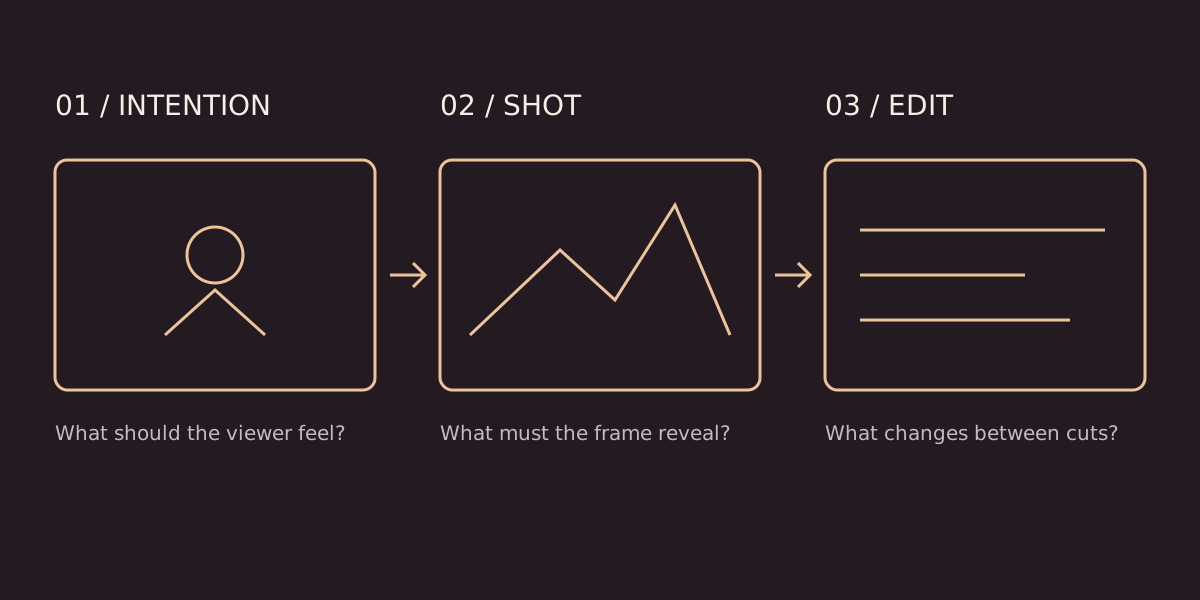
“Cinematic” is a mood request, not a shot plan. A more useful camera prompt tells the system where the viewer is, what the frame includes and what changes during the shot. It also gives you specific criteria for deciding whether the output works.
The examples below are illustrative prompts, not promises that any particular generator will obey every instruction. Controls differ across products and model versions. Use the language as a planning framework, then check the current tool documentation and compare actual takes.
Separate four different choices
Shot size describes how much of the subject appears. Camera height describes the viewpoint. Lens character describes the appearance of space and perspective at a chosen camera position. Movement describes the path during the take. Mixing these into a pile of adjectives makes the instruction harder to evaluate.
For example, a wide shot is not automatically a wide-angle lens shot. You can include a full person and their environment from different distances with different focal lengths. Likewise, a close-up can be photographed from below, above or at eye level. Decide which variable is doing the storytelling work.
Start from the audience’s attention
Imagine a watch advertisement. If the audience must notice the crown being turned, a large landscape reveal may be the wrong opening. A controlled detail shot with a readable hand action has a clearer job. If the purpose is to show the watch in a climber’s environment, a wider composition may be necessary first.
Write one sentence: “By the end of this shot, the viewer should notice…” If your answer names three unrelated discoveries, consider splitting the shot. A clear visual priority makes both generation and editing easier to assess.
Use a compact prompt structure
- Subject and action: who or what moves, and how.
- Framing and viewpoint: how much is visible and where the camera is positioned.
- Camera path: a single deliberate movement, or a locked frame.
- Environment and light: the details needed for continuity.
- Ending condition: where attention should land when the take finishes.
Illustrative prompt: “A traveller slowly places a folded letter on a wooden table. Close framing at table height, locked camera. Soft window light from the left. Keep the letter and fingertips visible throughout; finish with the hand leaving the frame.”
This prompt avoids asking simultaneously for an orbit, a zoom and a tracking move. It leaves style decisions possible while making the required action testable.
Know what each movement changes
A push-in can increase attention on a subject, while a pull-out can reveal surrounding information. Tracking follows a subject through space. An arc changes the viewpoint around it. A zoom changes magnification without physically moving the camera; it is not interchangeable with a dolly move.
The emotional effect depends on the scene. A low angle can suggest power, but it can also simply show a ceiling or establish a child’s viewpoint. Do not treat camera vocabulary as a fixed dictionary of emotions. Evaluate the relationship between composition, performance and editing.
Repair one variable at a time
When a shot fails, name the failure before rewriting the prompt. If the subject becomes too small, refine framing. If the camera rotates unexpectedly, simplify the movement. If identity drifts, return to your approved reference rather than adding another camera adjective.
Compare two variations with only one changed instruction. Record the model/version, input references and settings when available. This does not make results deterministic, but it makes your own comparisons more meaningful than changing every part of the brief at once.
Check the beginning and the ending
An edit needs compatible frames on both sides of a cut. Check the subject’s position, gaze, movement direction and light at the end of the generated clip. A shot that looks impressive alone may still fail beside the previous take.
For a practical exercise, plan the same simple action as a wide shot, an eye-level close-up and a low-angle medium frame. Explain the purpose of each before generating. Then compare whether the resulting sequence communicates that purpose. The short-film planning guide shows how these choices become a complete sequence.