Audio & post-production
AI VFX or Compositing? Choose the Right Fix
Compare AI-generated effects with tracking and compositing. Use a shot checklist to decide how to handle backgrounds, screen replacements and product accuracy.
AI-generated effects are useful when a shot needs new imagery, but they are not a universal replacement for compositing. Compositing combines elements while controlling their placement, edges, timing and relationship to the original image. Choose the method by what must stay fixed and what can be redesigned, then test the most difficult part of the shot.
When should you consider generation?
Generation can be a useful starting point for imagined environments, atmosphere or visual exploration. If the background can change freely, a new environment may offer creative possibilities. If a specific sign, building or product must remain exact, define that requirement before deciding whether generation is appropriate.
For an illustrative travel-film shot, a stylised landscape might support the mood. For a property advertisement, presenting an invented building as the actual development would misrepresent the product. Label conceptual imagery clearly and use verified assets wherever factual accuracy matters.
When does tracking and compositing make more sense?
A screen replacement needs the inserted image to follow the screen, retain perspective and behave correctly when a hand passes in front. That calls for tracking, masks and careful integration. Blackmagic Design describes Fusion's 2D, planar and 3D camera tracking tools; its planar workflow is relevant to surfaces such as signs and screens. Feature availability and workflow requirements should be checked for the version being used.
This does not mean a tracked composite is automatically convincing. The inserted material still needs suitable sharpness, motion blur, reflections and colour. A technically stable element can look pasted on if its light and texture disagree with the scene.
How do you choose a method shot by shot?
- Replace a readable logo: preserve approved artwork and review tracking and edges.
- Add an imagined sky: assess horizon edges, light direction and reflections.
- Extend a set: check perspective and what the camera reveals during movement.
- Demonstrate a mechanism: use verified geometry and product information.
- Create an abstract transition: explore generation, then evaluate the complete cut.
These are planning examples, not claims that a single tool can perform every task reliably. The best approach may combine generated elements with conventional compositing and a final manual review.
What makes an effect look artificial?
Look for sliding contact points, mismatched perspective, changing geometry, sharp edges in a soft shot and reflections that do not respond to the added element. Watch the result at normal speed, then inspect the difficult frames. A static before-and-after image cannot prove temporal stability.
In a product reveal, a label can look correct at the beginning and distort during the camera move. Check the whole take against the approved pack reference. When a correction is essential, budget for the method that gives enough control rather than hoping another random variation will solve it.
How should a VFX quote be scoped?
Share the actual source shot, intended change, final duration and delivery requirements. Identify elements that must remain unchanged and provide any replacement artwork or models. Ask for a representative test where uncertainty is high. Shot complexity, occlusions, motion and accuracy often matter more than duration alone.
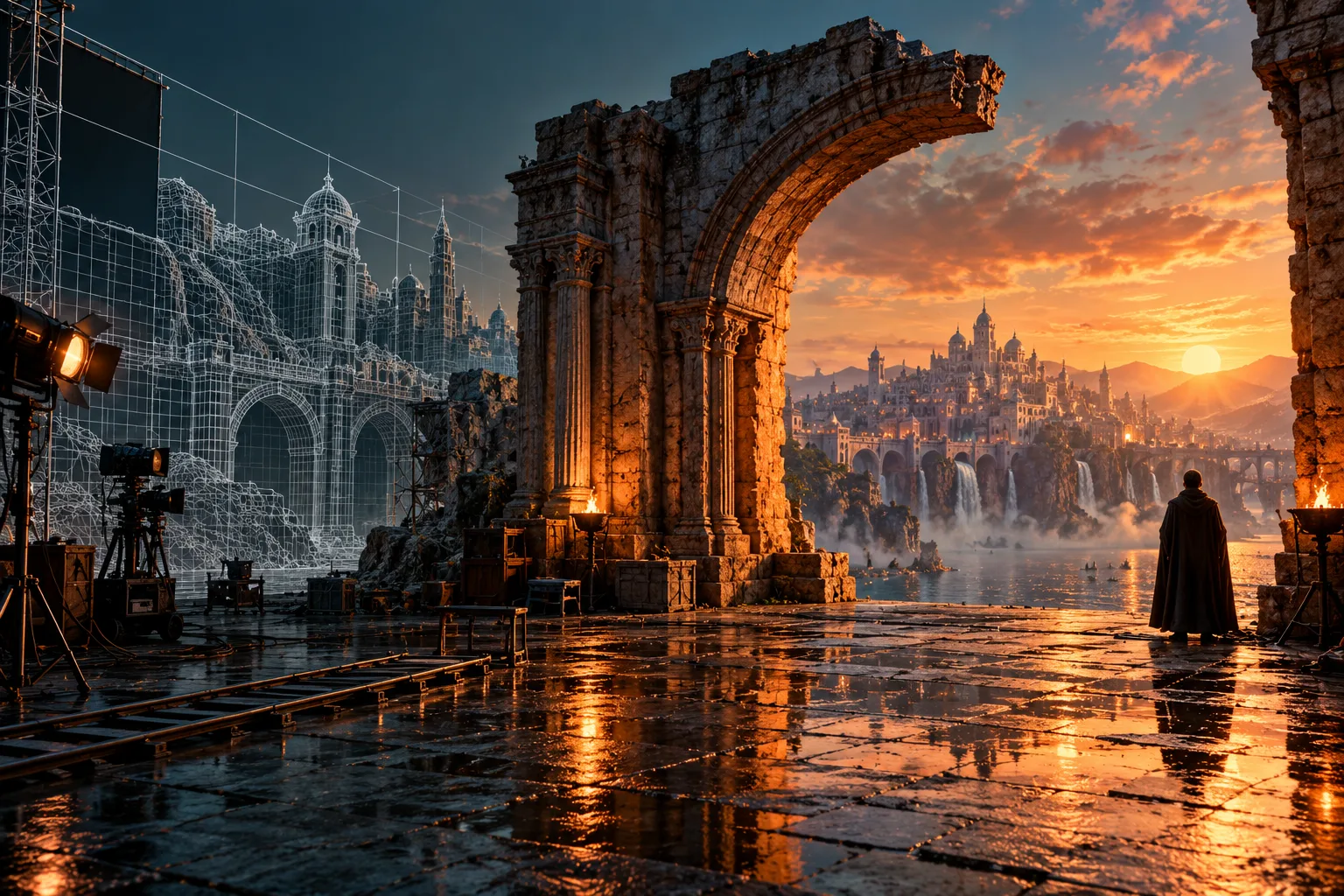
Use the AI versus CGI product-film guide for product work and the delivery checklist for final review. Discuss a CGI or product film with the required visual change clearly described. The cover on this guide is an invented educational illustration, not a measured demonstration of a client VFX process.