Tool decisions
How to choose AI filmmaking tools for a brand film
Choose tools for visual development, video generation, voice and editing using one sample shot, a review checklist and a clear delivery plan.
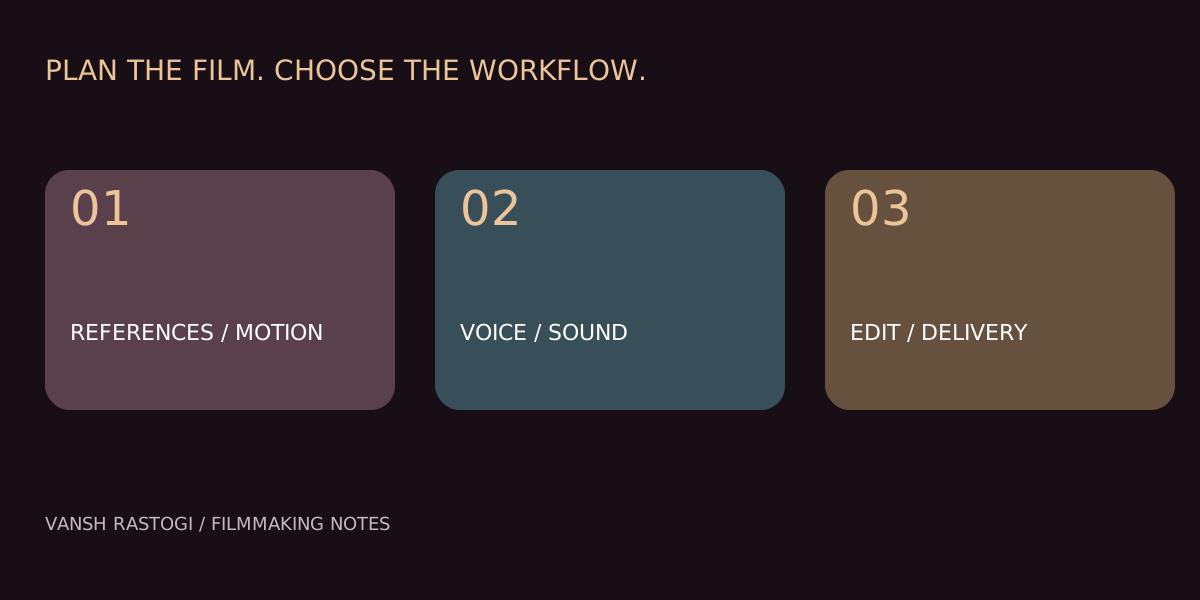
Choose AI filmmaking tools by the production task and the failure you need to prevent. A practical workflow separates visual development, moving-image generation, voice and final editing. Test a small representative shot before committing to a full sequence. A tool with an attractive demonstration may still be unsuitable for your particular product, voice or continuity requirement.
Which tools belong at each production stage?
Adobe Firefly offers generative creative tools; Runway provides AI video tools; ElevenLabs provides text-to-speech; DaVinci Resolve combines editing, colour and audio post-production. These are examples of roles within a workflow, not a ranking or a claim that every product has been tested on this portfolio. Follow the official links below for current features and terms.
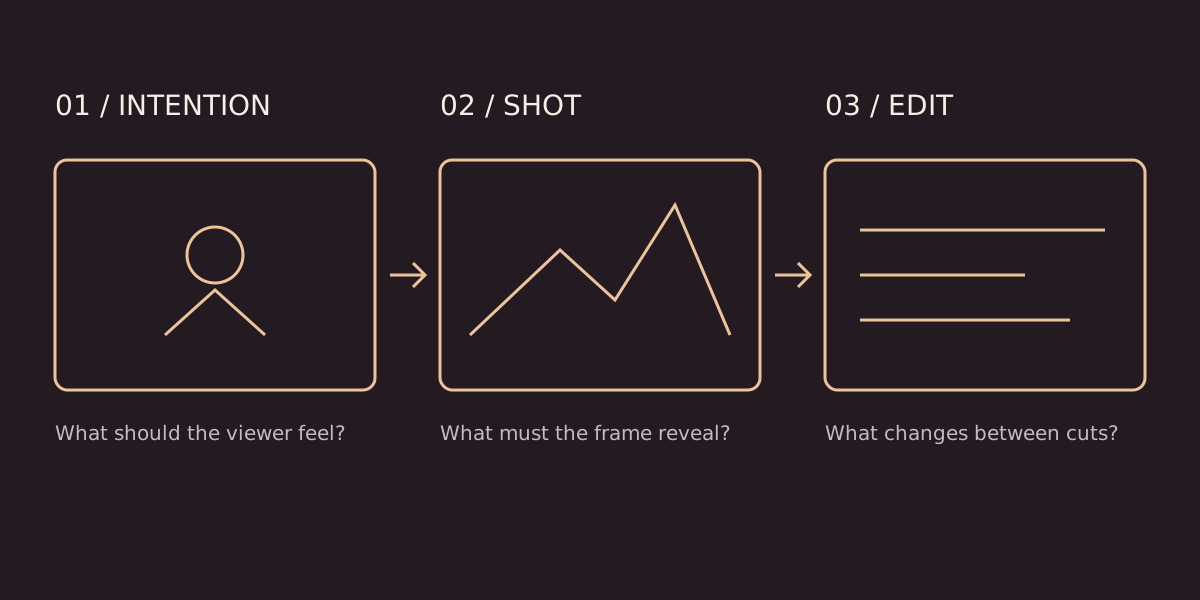
Start with a storyboard and approved references before selecting a generator. Then choose the tool that handles the required task. Keep a conventional edit timeline so timing, sound and final delivery remain deliberate decisions rather than an accidental collection of generated clips.
How do you test a video tool fairly?
Choose one representative shot containing the hardest requirement in your brief. For a bag advertisement, that might be a hand lifting the bag without changing the strap or clasp. Use the same approved reference and intended action when comparing results. Record which settings and inputs were used so the comparison can be repeated.
- Continuity: does the subject stay recognisable throughout the shot?
- Action: is the intended movement clear and physically plausible?
- Product accuracy: do labels, proportions and contact points remain correct?
- Editability: are the start and end states useful for the next shot?
- Delivery: does the output meet the actual format and workflow requirements?
Evaluate the usable result rather than the most impressive frame. Save rejection notes such as “clasp changes after the hand enters” instead of “bad output.” The note helps you decide whether to simplify the action, adjust the reference or use a different production method.
What should you check in a voice tool?
Use a short approved script containing the brand name and any difficult words. Listen for pronunciation, pauses, emphasis and whether the voice fits the film. Review the entire line after corrections, because fixing one word may change the surrounding rhythm. Obtain appropriate permission for any voice likeness; do not assume availability means consent.
Keep voice decisions separate from music and effects at first. A clear performance may be harder to assess under a loud score. Once the voice is approved, build the sound balance around intelligibility and the intended emotional beat.
Why do editing and colour still matter?
Generated shots can differ in contrast, colour and motion. Finishing helps the sequence feel intentional, but it cannot automatically repair every incorrect object or unclear action. Select usable shots first, then work on pacing, colour matching, sound transitions and captions. Check the final export rather than relying only on the editing preview.
Should a small team subscribe to every tool?
Start with the smallest set that covers a real brief. Compare current plan terms, output limitations, privacy needs and export compatibility before subscribing. This guide does not quote prices or promise commercial rights because those depend on the service, plan, input assets and current terms.
Explore the existing Creative Toolkit for official product links and workflow roles. For a commission, use the AI brand ads service to discuss the outcome first. A client needs a coherent film and agreed deliverables, not a long list of software names.